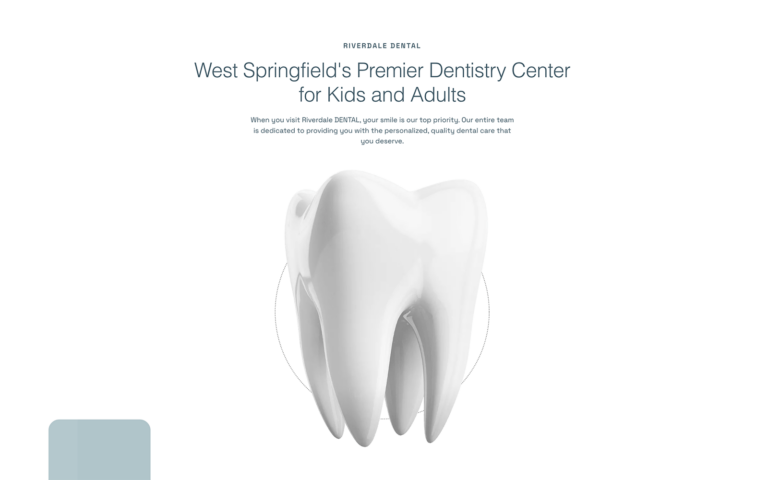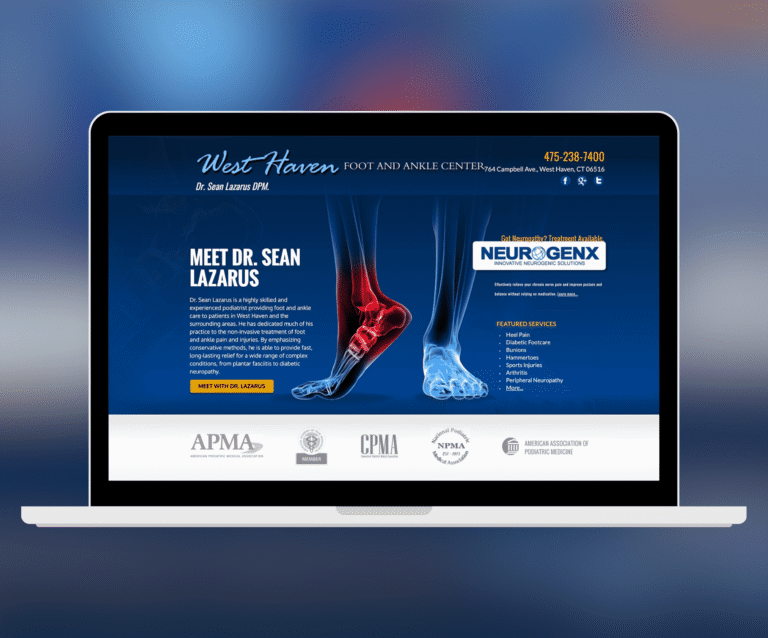

Ask ten practice owners how they get new patients and you will hear ten versions of “word of mouth, mostly.” That answer hides the real question: what makes a recommended patient actually pick up the phone — and where do the patients with no recommendation come from? After building websites and marketing programs for more than 500 medical, dental, and veterinary practices at O360, we can tell you the pattern is remarkably consistent, and almost none of it is luck.
This is the playbook we walk our own clients through — with the actual scripts, checklists, and examples from our portfolio. It is ordered deliberately: each stage multiplies the one before it. Skipping ahead to ads while your reviews and website leak trust is how practices end up convinced that “marketing doesn’t work.”
First, Know Your Patient Math
Before spending a dollar, put three numbers on paper:
- Lifetime value of a patient. A general-dentistry patient who stays five years is worth several thousand dollars in cleanings, restorations, and family referrals. A single implant case or LASIK patient can be worth that in one visit. This number decides what you can afford to spend to acquire a patient.
- New patients per month, now. Count actual new-patient visits, not calls. This is your baseline — without it you will never know if anything worked.
- Where your last 20 new patients came from. Have the front desk ask one question at intake: “How did you find us?” Track it for a month. Most practices are shocked by the answer.
With those three numbers, every decision below becomes arithmetic instead of guesswork.
Stage 1: Stop the Leaks Before You Buy Traffic
Every marketing channel ends at your website. If the site loses half its visitors, every channel you pay for is half price–inflated. We covered the design side fully in The Ultimate Guide to Medical Website Design; for patient acquisition specifically, three things matter most: a tappable phone number on every mobile screen, an appointment request reachable in one click, and pages that load fast on cellular.
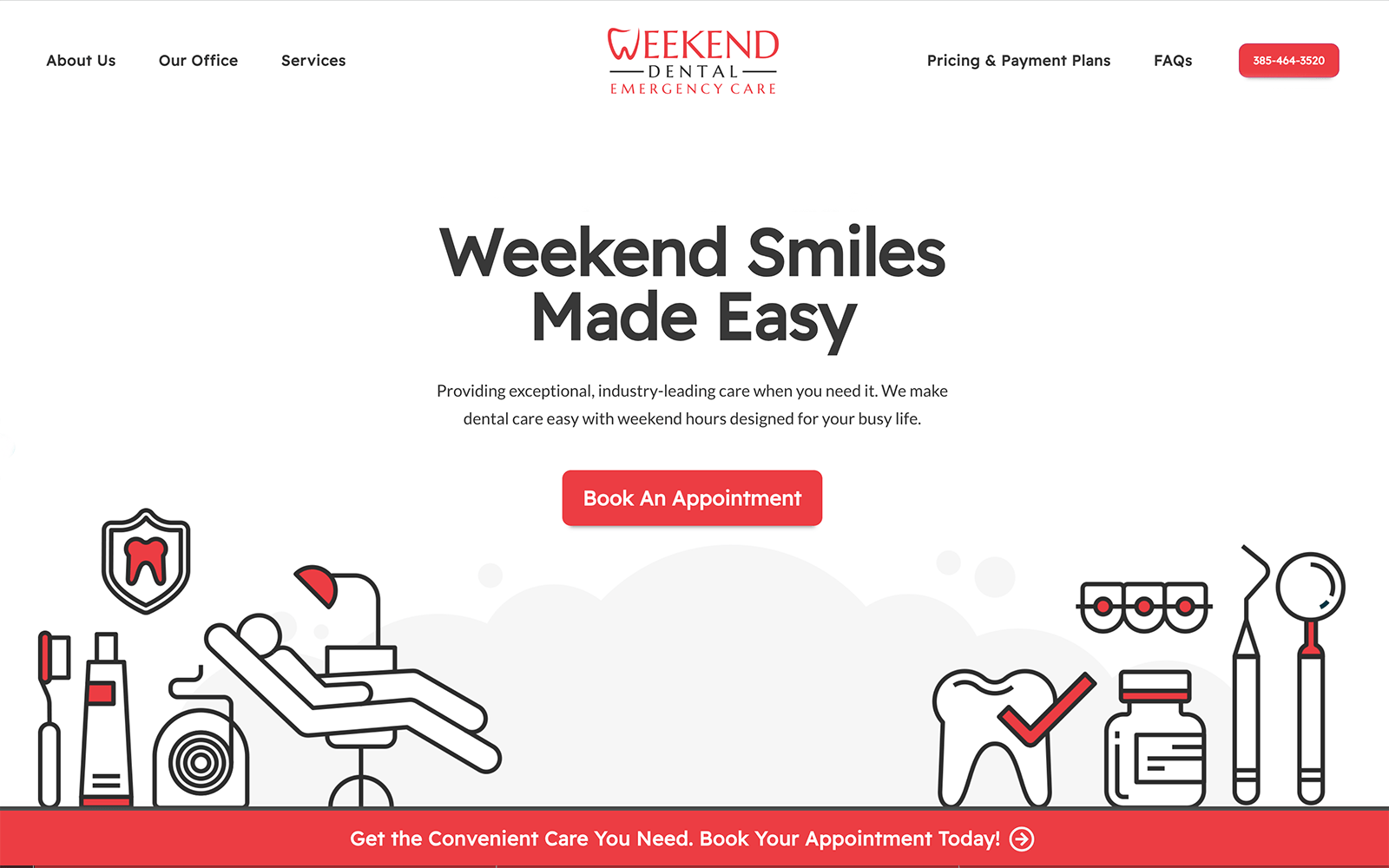
Our Weekend Emergency Dental design above is the purest example: the patient is in pain, searching on a Saturday, and every element on the screen exists to produce one phone call. Your practice may not be an emergency practice, but the discipline transfers — decide what the one action is, and design the site so that action is never more than a thumb-tap away.
Stage 2: Own Your Google Business Profile
For local healthcare searches — “dentist near me,” “urgent care open now,” “dermatologist [city]” — the map results above the regular listings get the majority of clicks. That box is won or lost on your Google Business Profile, and most practices set it up once and never touch it again. Here is the checklist we run:
- Primary category set to your money specialty (“Pediatric dentist,” not “Dentist”) — it is the single strongest ranking input you control.
- Every service listed as a separate service entry, matching what patients actually type (“dental implants,” “Invisalign,” “same-day crowns”).
- Real photos monthly — the office, the team, the equipment. Profiles with recent photos get measurably more calls and direction requests.
- Hours accurate to the minute, including holidays. A “closed” label at 4:55pm sends the patient to the next practice on the list.
- Q&A seeded by you. Post and answer the ten questions your front desk hears daily (parking, insurance, new-patient paperwork).
- Website link tagged so your analytics can tell profile traffic apart from regular search traffic.
Stage 3: Build a Review Engine, Not a Review Pile
Patients read reviews the way they read a menu — recency matters more than totals. Two hundred reviews from 2021 lose to thirty from the last ninety days. The fix is a system, not a campaign: every satisfied patient gets a request, the same way, at the same moment.
The ask that works: a text message within an hour of the visit, while the experience is fresh, sent by name from the person who treated them. Something like:
“Hi Sarah, it was great seeing you today! If you have 60 seconds, a Google review helps other families find us. Here’s the direct link: [link]. — Dr. Patel’s office”
Responding is a compliance issue, not just a courtesy. HIPAA does not stop applying because the patient posted publicly. Never confirm that the reviewer is a patient, never reference their visit or condition — even to a glowing review. A safe pattern: “Thank you for the kind words — our team works hard to make every visit feel this way.” For a negative review: “We take feedback seriously and would like to learn more — please call our office manager directly at [number].” It moves the conversation offline without admitting or revealing anything.
Stage 4: One Page Per Procedure — the Highest-ROI SEO You Can Do
A patient searching “Botox [your city]” or “root canal cost” does not want your homepage — and Google will not rank your homepage for it either. Every procedure that makes your practice money deserves its own page, built to a structure we have refined across hundreds of sites:
- A headline that names the procedure and the city — the two things the searcher typed.
- Who it is for and what the visit is actually like, in plain language — not textbook prose.
- A cost section. Practices resist this most, and it is the highest-converting block on the page. A range with the factors that move it beats silence every time — silence just sends the patient to a competitor who answered.
- Insurance and financing, answered directly.
- The doctor’s credentials for this specific procedure, and real photos.
- FAQs pulled from what patients actually ask the front desk.
- One clear call to action, repeated — book, or call.

Stage 5: For Specialists — Treat Referring Doctors as a Marketing Channel
If you are an endodontist, oral surgeon, orthodontist, or any specialist fed by referrals, your most valuable “patients” are the fifty general practices within driving distance. Most specialists leave this entirely to habit. We build it into the website instead:
- A dedicated referring-doctor page with an online referral form — so a GP’s front desk can send a patient over in ninety seconds, with no fax machine involved.
- A same-day acknowledgment back to the referring office — the single behavior that referring doctors mention most when they explain why they keep sending patients to one specialist over another.
- A patient-facing site polished enough that the GP is proud to refer — the referral is a reflection of their judgment.

Stage 6: Paid Ads — Powerful, and Usually Done in the Wrong Order
Paid advertising works in healthcare when three conditions are met: the procedure value justifies the cost per click (healthcare clicks are among the most expensive in advertising — often tens of dollars for implant, LASIK, and aesthetics keywords), the ad lands on a dedicated procedure page rather than your homepage, and you can track calls — not just clicks — back to the campaign. Miss any one of the three and the budget evaporates invisibly.
Channel choice follows the specialty. Search ads capture existing intent — ideal for urgent care, dental emergencies, and procedure research. Social ads create intent — which is why they work best for visual, elective specialties like aesthetics and body sculpting, where a before-and-after can stop a scroll.

One warning that is easy to miss: ad platforms’ tracking pixels and health information do not mix. Remarketing to visitors of a page about a specific condition can put you on the wrong side of HIPAA and state privacy laws. Keep tracking scripts off patient-facing flows and get compliance review before any remarketing campaign — this is exactly the territory our HIPAA-compliant website work covers.
Stage 7: Multi-Location Groups — Every Location Is Its Own Practice Online
Google ranks locations, not brands. A group with six clinics needs six location pages — each with its own address, providers, photos, and reviews — and six Google Business Profiles, not one corporate listing. The corporate site’s job is to route each patient to their location in one click.
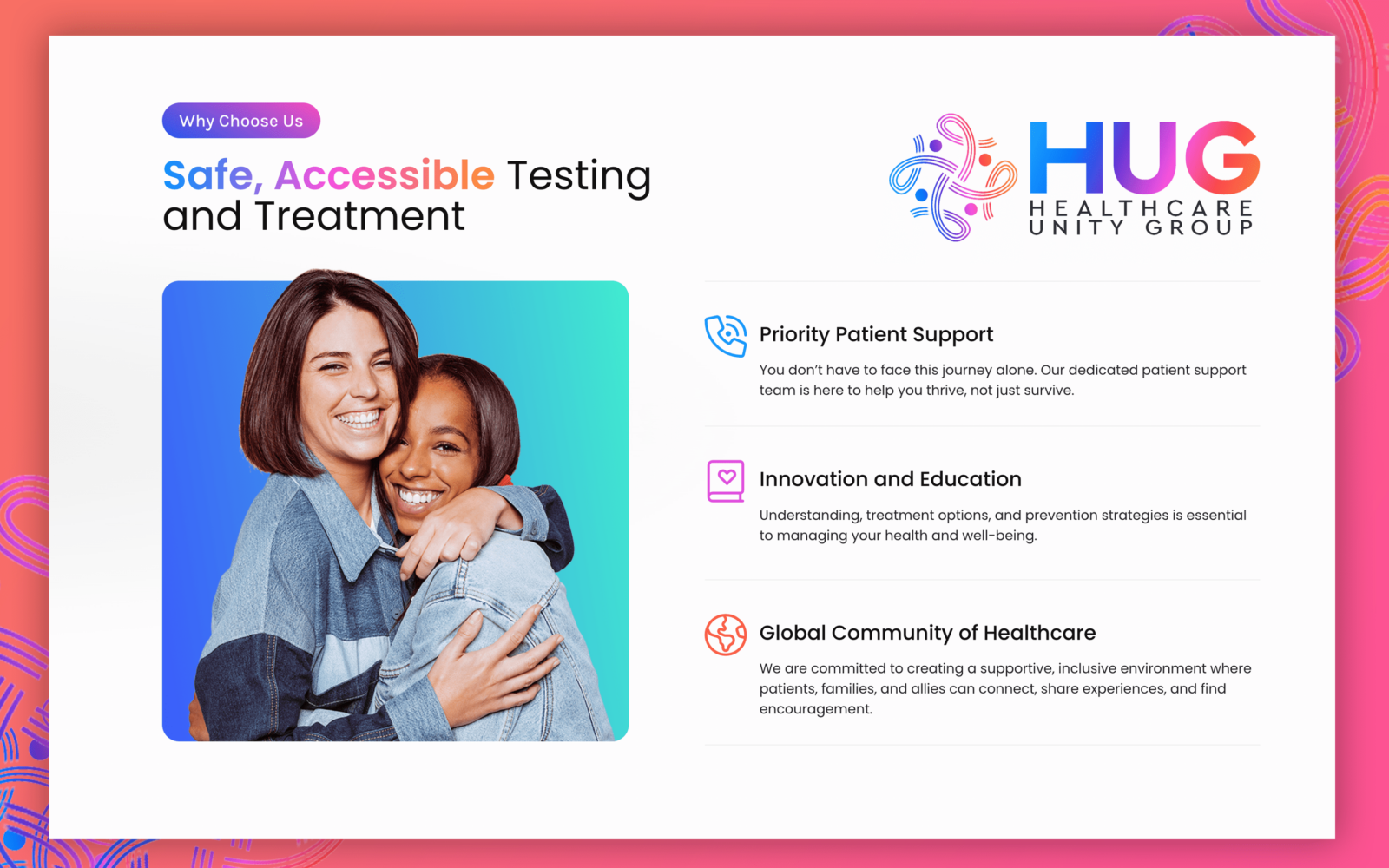
Stage 8: The Cheapest New Patient Is One You Already Have
Run one report in your practice management system: active patients with no visit in 18 months. For most established practices that list runs into the hundreds. A short, personal reactivation message — “We noticed it’s been a while; here’s a link to book” — typically brings back a meaningful percentage at essentially zero cost. Do this before you spend a single advertising dollar; it is the highest-ROI campaign in this entire guide.
Stage 9: Measure Like You Mean It
Five numbers on one page, once a month — that is the entire dashboard a practice needs:
- New-patient visits (not calls, not clicks)
- Calls and form submissions from the website, by source
- Google Business Profile actions — calls, direction requests, bookings
- New reviews this month, and your rating trend
- Cost per new patient, per channel — the number that decides next month’s budget
Ignore impressions, reach, and follower counts. They are what agencies report when the five numbers above are not moving.
The 90-Day Order of Operations
- Days 1–30: Fix the website’s conversion paths. Complete the Google Business Profile checklist. Start intake source-tracking and the review-request text system.
- Days 31–60: Build dedicated pages for your top three procedures. Run the 18-month reactivation campaign. Specialists: launch the referring-doctor page and referral form.
- Days 61–90: With reviews climbing and pages converting, turn on paid search for your highest-value procedure — landing on the new procedure pages, with call tracking in place. Review the five-number dashboard and double down on what moved.
Every example in this guide is a practice we work with — browse more in our portfolio. If you want this playbook run for you rather than by you, that is exactly what our medical marketing service does — or schedule a consultation and we will look at your practice’s numbers together.